


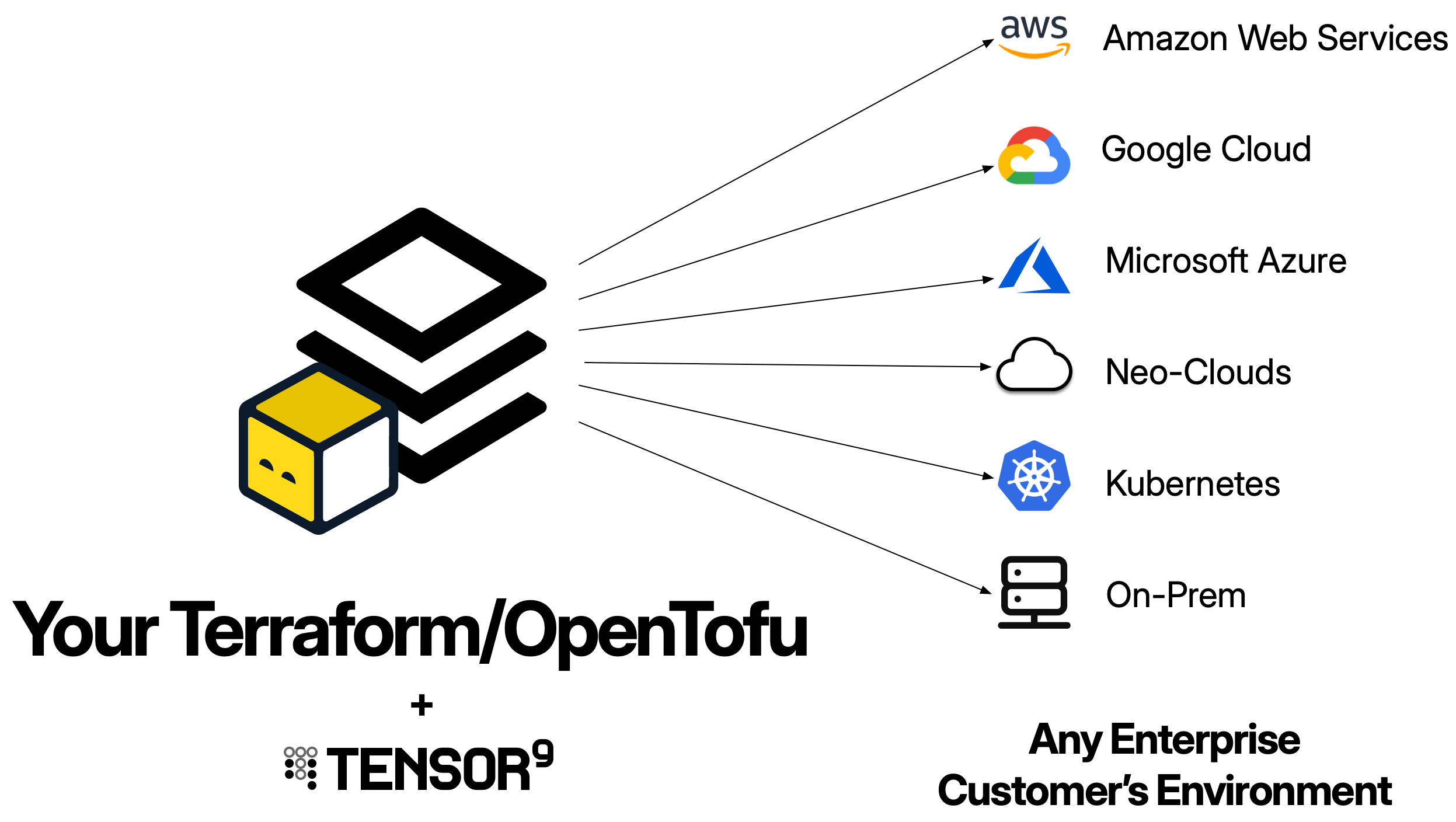
- Set up a Tensor9 control plane in your AWS account and bind a TF workspace as the origin stack for your app.
- Test your app running in an appliance.
- Release infrastructure changes.
Prerequisites
- Send an email to [email protected] and request an API key. You must have an API key to complete the quick start.
-
Create an AWS account for Tensor9. We will refer to this as the Tensor9 AWS account.
Important:
- Your Tensor9 AWS account should be a dedicated AWS account used only for Tensor9. This reduces the risk of conflicts between your app deployed in a Tensor9 appliance and any other software, infrastructure, or resources you might have in a general-purpose AWS account.
- Your Tensor9 AWS account must be located in a United States region. Support for non-US regions will be available in the near future.
- Install AWS CLI in your environment, and set up an AWS CLI profile that has admin permissions to your new AWS account.
- Install Java 17 or later in your environment.
Install OpenTofu or Terraform
In your environment, you’ll need to install Terraform/OpenTofu CLI. This guide assumes you are using OpenTofu and uses thetofu command throughout.
Install Tensor9 CLI
Run the following command to install the tensor9 CLI:Set up a Tensor9 control plane and create a new app
- Set up a Tensor9 control plane in your new AWS account (this takes several minutes to complete):
- Create a new Tensor9 app.
displayName field must be 32 characters or fewer.
Publish your TF and bind it to your new app
Tensor9 works by compiling your TF for each appliance your want to deploy to. So, your next step is to publish your TF to your Tensor9 control plane:s3://t9-ctrl-000001/your-stack.tf.tgz
The next step is to bind your published stack to your app:
Create a test appliance and test your app
- Create a test appliance:
- View the output of
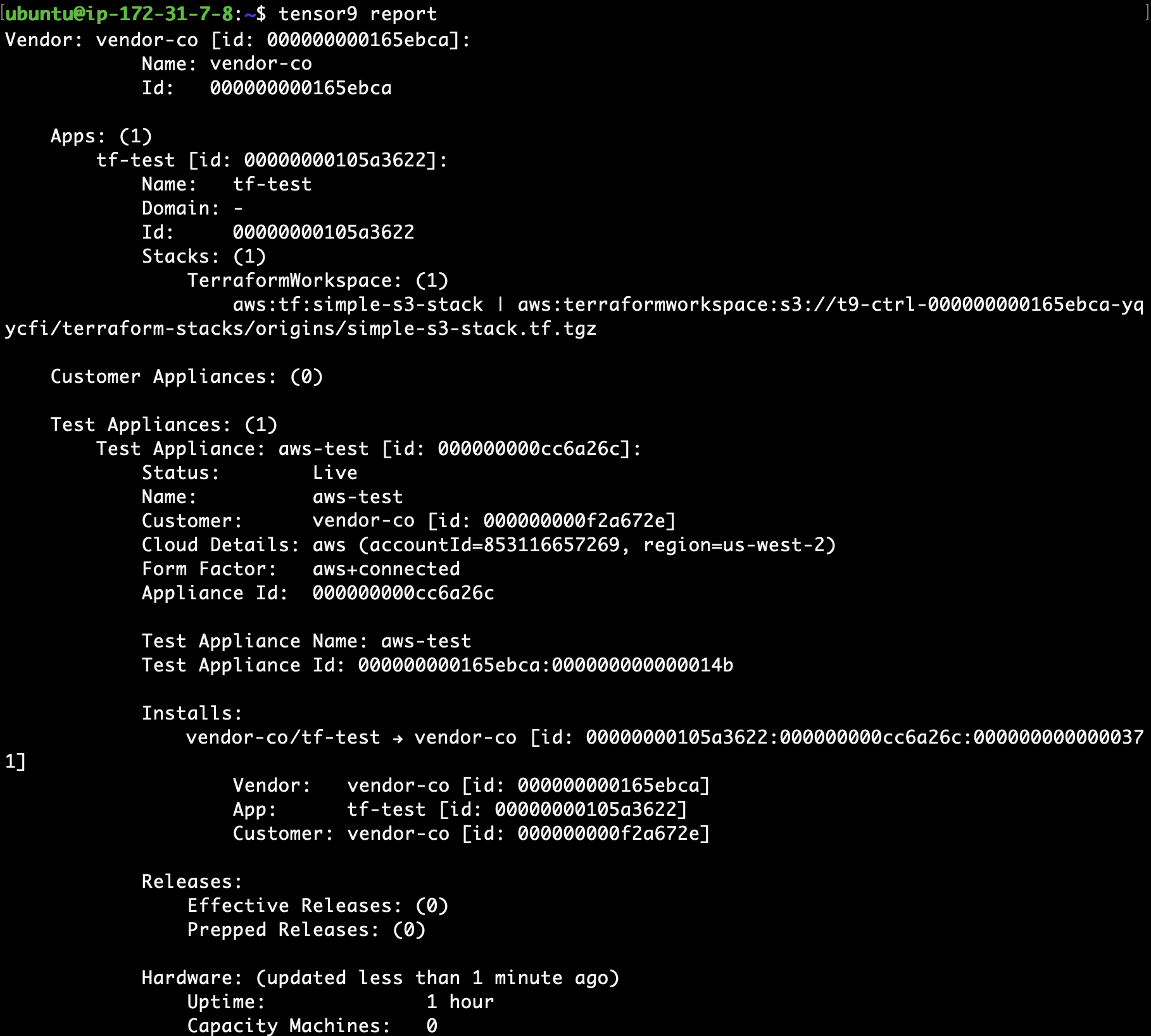
tensor9 reportto determine when your test appliance is ready for a release. While the test appliance is creating,tensor9 reportdisplays output such as:

tensor9 report displays output such as:
- Create a release to your test appliance:
- Change into the new directory that contains the deployment stack for your test appliance:
- Deploy as normal by running
tofu initfollowed bytofu apply. - Run
tofu showto review the resulting created resources.
Release an infrastructure change
You can release infrastructure changes to your stack at any time.- Update your origin stack with any desired change. For example, you could enable versioning on the AWS S3 bucket that was created when initially publishing your origin stack.
- Re-publish the origin stack to Tensor9:
- Create a new release:
- Change into the new directory that contains the deployment stack for your test appliance:
- Deploy as normal by running
tofu initfollowed bytofu apply. - Run
tofu showto review the resulting created resources.